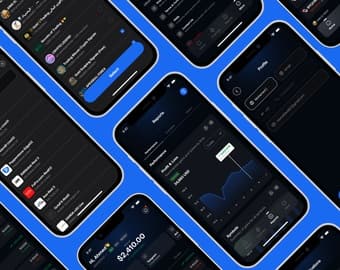
What is a Telegram signal copier?
Learn how signals become trades and which settings you control.

Choose your Telegram channels, set your trading rules, and let Tragram send matching trades to your MT4/MT5 account. Pause new trades whenever you need to.
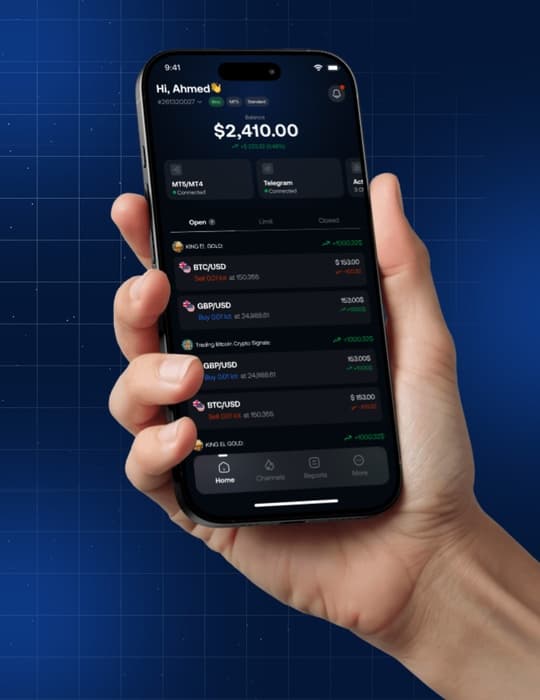
Follow Telegram signals with the settings you choose. Connect your account, set your lot size and trade limits, and keep track of the results.

Choose allowed symbols, lot size, and trade limits before enabling a channel.

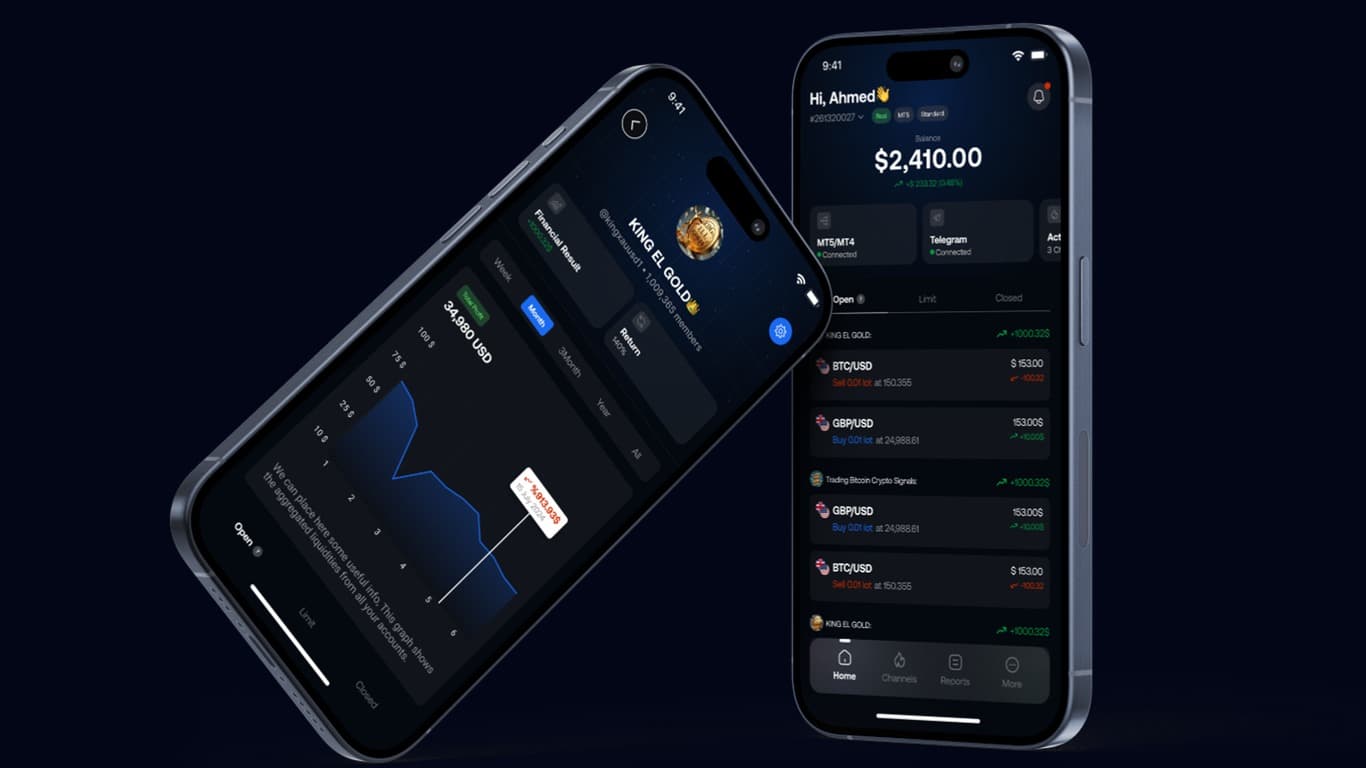
See the original signal, the trade result, and why a trade was skipped.
Follow the signals you choose
Connect your Telegram channels
Link your trading account



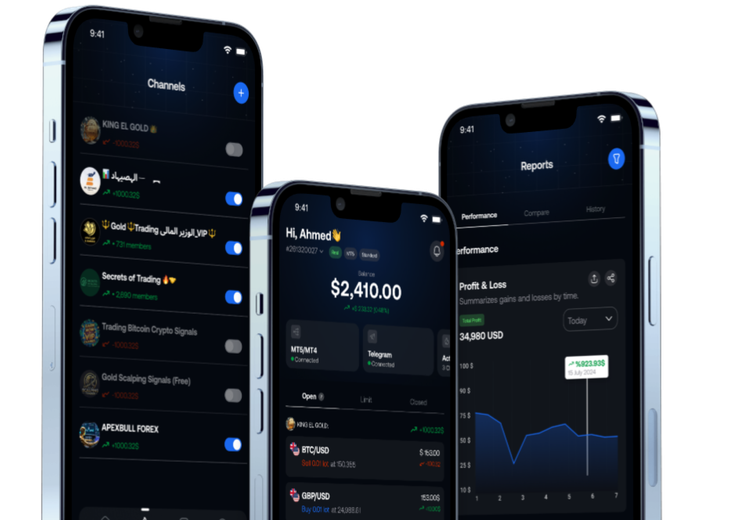
Choose which Telegram channels Tragram follows and manage them in one place.

Link your trading account and choose your primary account for copied trades.

Choose allowed symbols, position size, and trade limits for each channel.

Check open trades, past results, and the reason a signal was skipped.
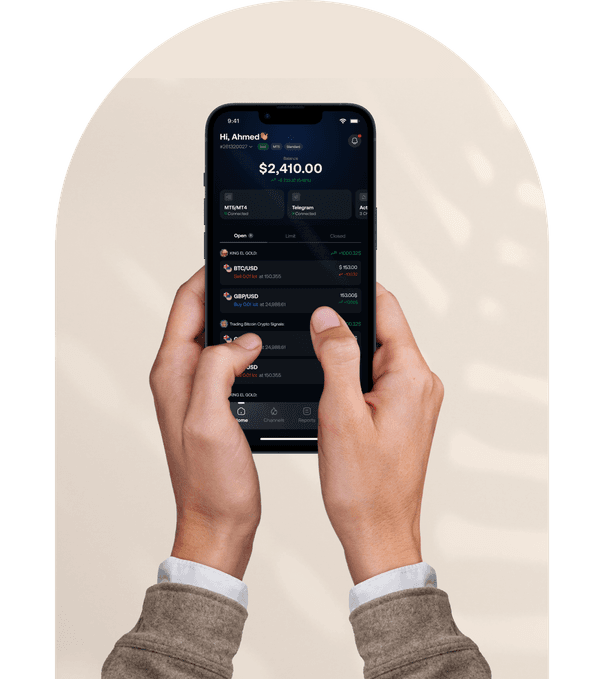
Keep your preferred signal channels and trading account. Choose how each channel trades, track the results, and pause new trades when needed.

Set allowed symbols, lot size, and trade limits separately for each channel.

Pause new trades from a channel without disconnecting your account. Existing open trades stay unchanged.

Set position size and trade limits before enabling a channel.
Connect Telegram to MT4/MT5, set your trading preferences, and follow what happens to each signal.

See whether it opened a trade or was skipped.

Update channel settings or pause new trades from your dashboard.
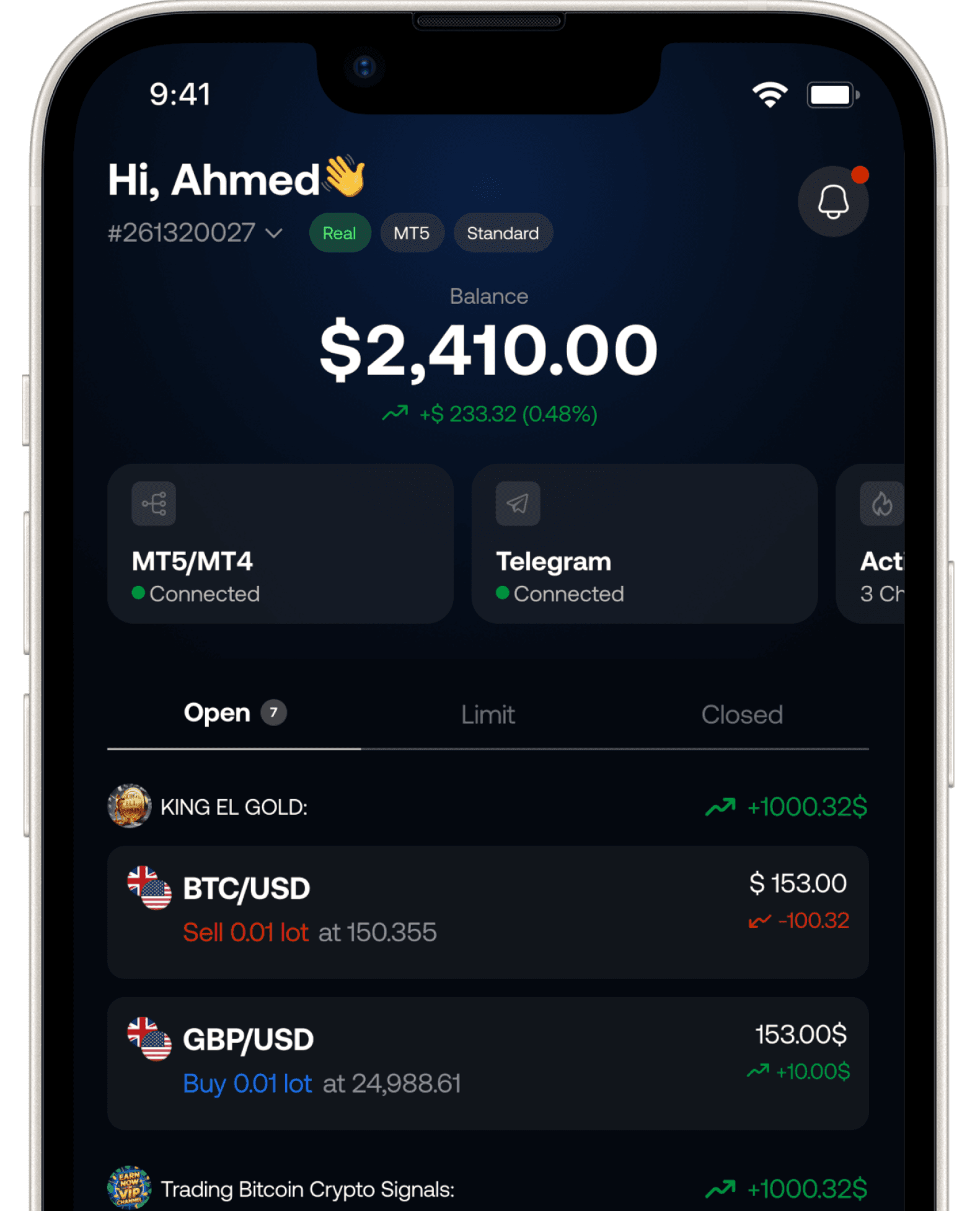
Manage your signal channels and trading accounts in one place, with clear settings and trade history.

See incoming signals and check what happened after they were processed.
Your trading setup
A clear view of your signals

Choose the symbols, lot size, and trade limits that suit each channel.
If a channel becomes noisy or conditions change, update its settings or pause new trades.
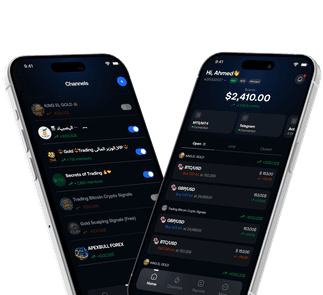
Use your Telegram signal channels with your MT4 or MT5 account. Tragram connects them using the settings you choose.

 Compare available plans
 Check channel and account limits
 Choose monthly or yearly billing
Learn how copied trades work, how to set limits, and what happens when you pause a channel.
Choose your channels and set their trading rules before enabling new trades.
Pausing stops new trades. It does not close or change trades already open at your broker.
Tragram reads supported trade signals from the Telegram channels you choose and sends matching new trades to your selected primary MT4/MT5 account using your settings. Your broker decides whether the orders are accepted and filled.
No. Once you enable a channel, new trades follow its settings automatically and go to your selected primary account. Pausing new trades does not close trades already open at your broker.
Yes. Set allowed symbols, lot size, and supported trade limits for each channel before enabling new trades.
Pause the channel from your dashboard to stop new trades. This does not close or change trades already open at your broker.
No. Tragram helps you copy signals from the channels you choose. It does not sell signals or provide trading advice.
Yes. Tragram supports MT4 and MT5. New trades go to the selected primary account. Available settings and limits depend on your account and plan.
Create your account, connect Telegram and MT4/MT5, then choose your channels, lot size, and trade limits.
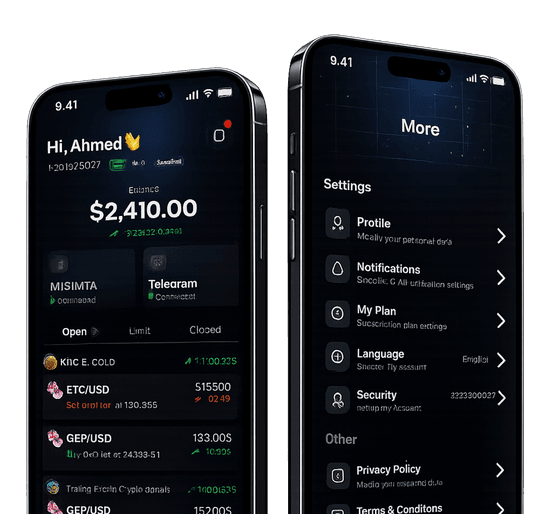
Learn how signals become trades and which settings you control.
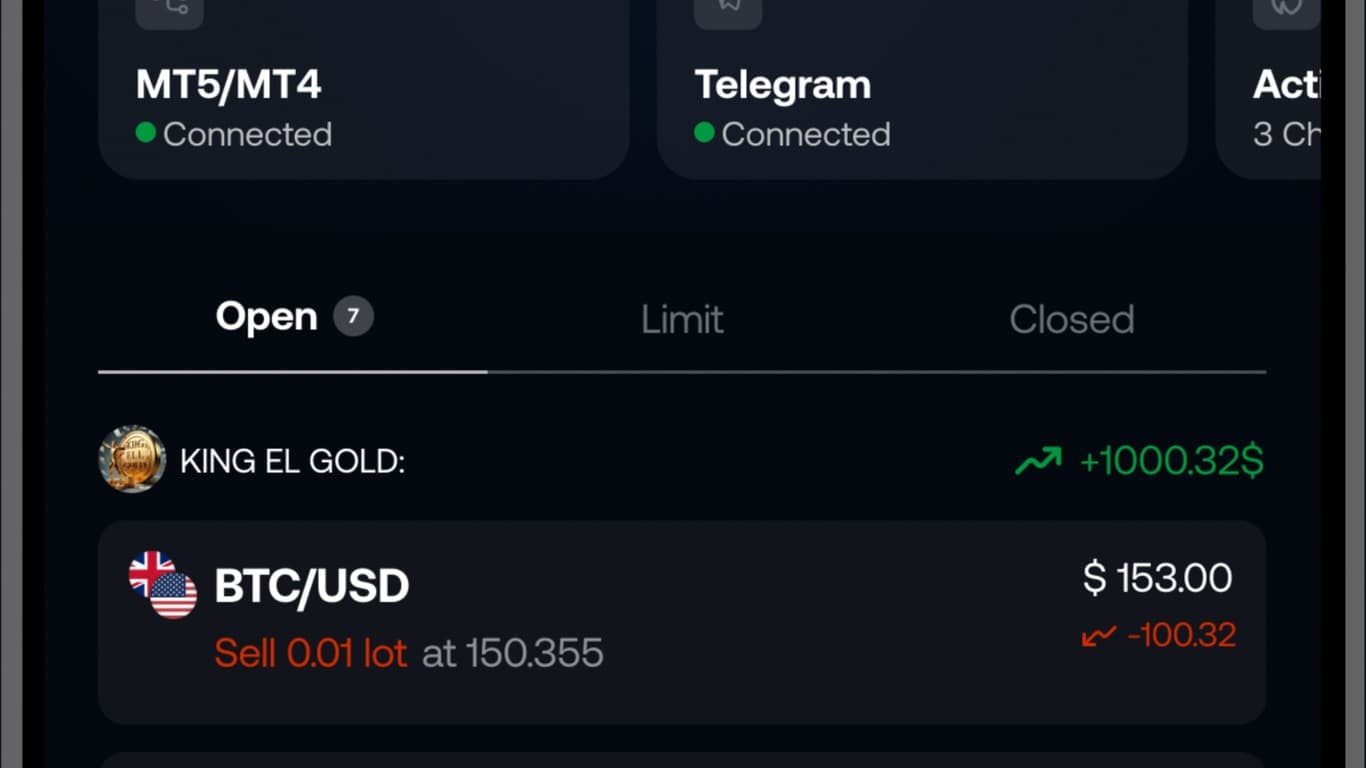
Link your MT4 account and choose the channels you want to follow.
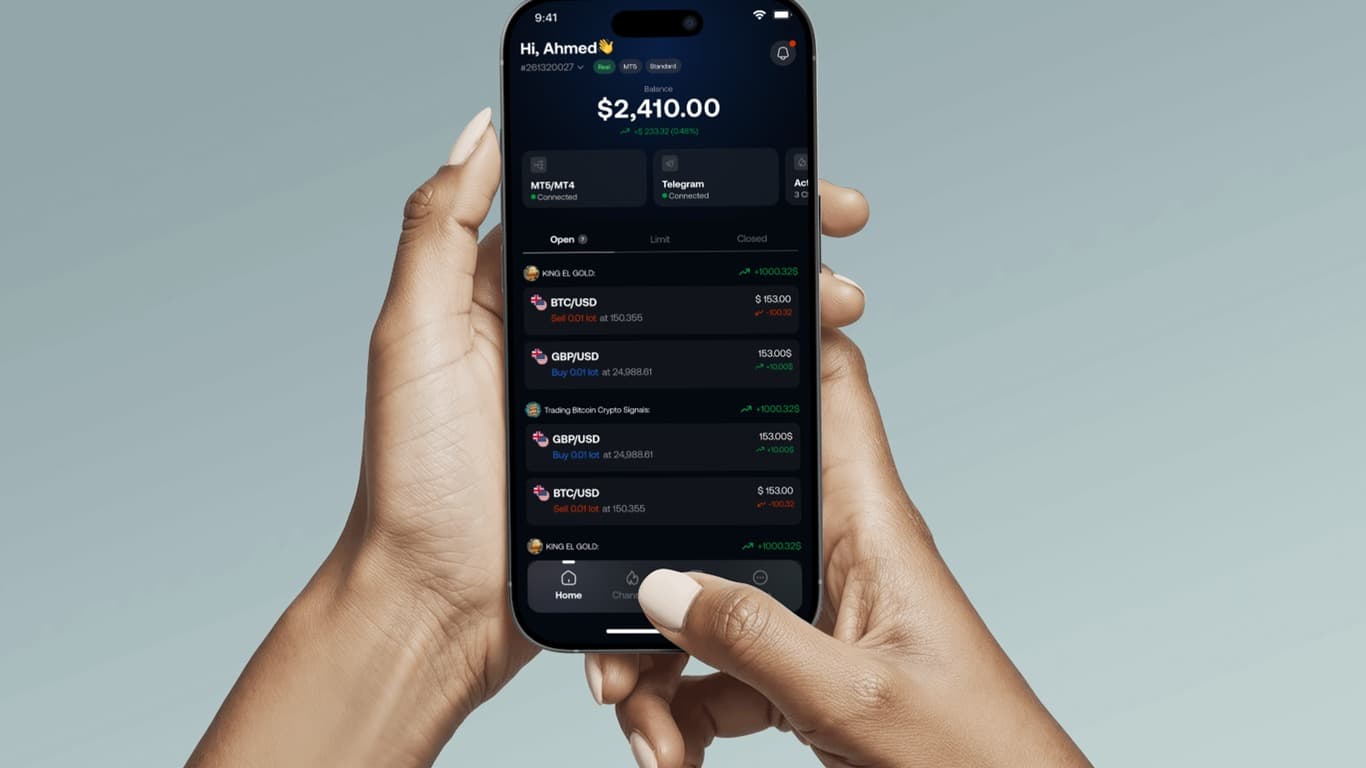
Connect your MT5 account, set your trading preferences, and check a demo trade.
Understand how entry price, stop loss, and take profit are read from a signal.
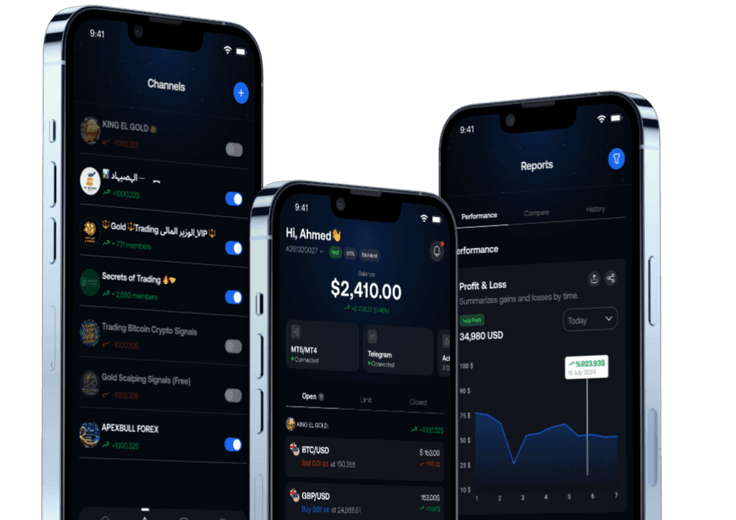
Check paused channels, symbol names, account connections, and trading settings.