
Pricing
Pricing
Plans, limits and current access
Review each plan’s displayed features, limits and available billing period. Connection capacity differs from selected-account execution.
Payment information
Choose web checkout, Apple App Store, or Google Play. Applicable terms and receipts depend on your purchase channel.
 Cancel anytime
 Scale plan capacity as you grow
 Secure subscription checkout
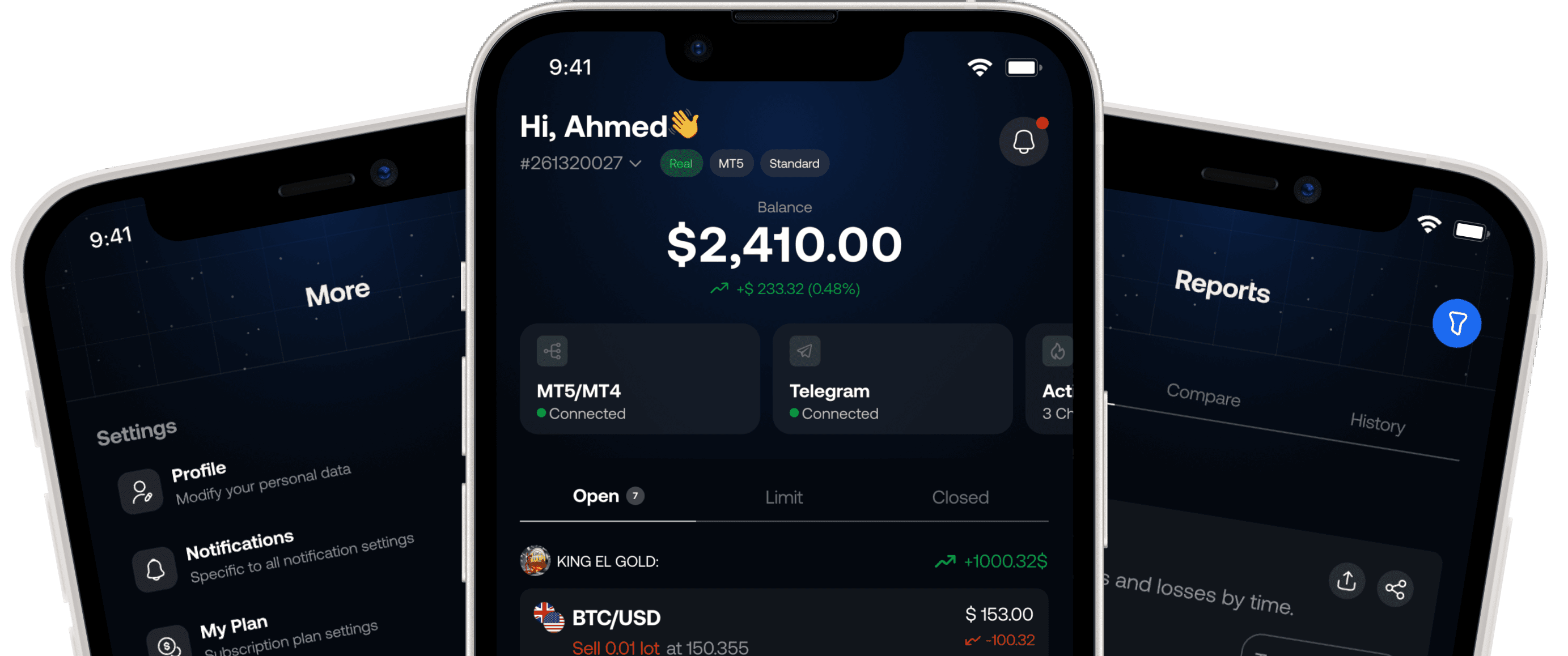
Tragram Benefits
Built for signal followers who want control before execution
Telegram-to-MT workflow
Connect the channels you trust and route eligible signals into MT4/MT5 with clear execution rules.
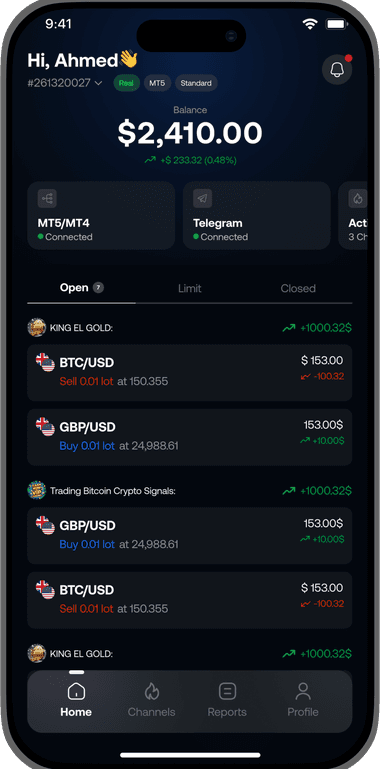
Channel-specific controls
Use execution rules, symbol filters, and risk settings tailored to how each channel should behave.
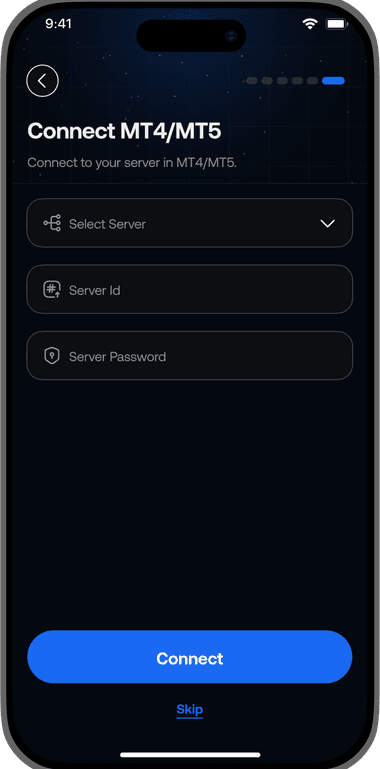
Faster intervention
Pause a channel or tighten execution rules quickly when signal quality or market conditions change.
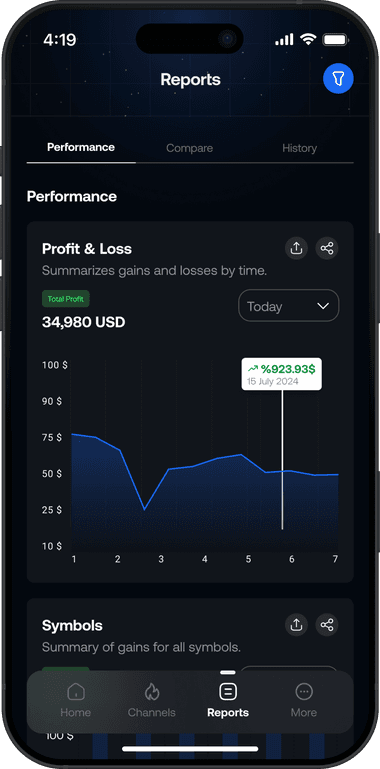
FAQs
Your signal trading questions, answered
Learn how copied trades work, how to set limits, and what happens when you pause a channel.
Choose your channels and set their trading rules before enabling new trades.
Pausing stops new trades. It does not close or change trades already open at your broker.
Tragram reads supported trade signals from the Telegram channels you choose and sends matching new trades to your selected primary MT4/MT5 account using your settings. Your broker decides whether the orders are accepted and filled.
No. Once you enable a channel, new trades follow its settings automatically and go to your selected primary account. Pausing new trades does not close trades already open at your broker.
Yes. Set allowed symbols, lot size, and supported trade limits for each channel before enabling new trades.
Pause the channel from your dashboard to stop new trades. This does not close or change trades already open at your broker.
No. Tragram helps you copy signals from the channels you choose. It does not sell signals or provide trading advice.
Yes. Tragram supports MT4 and MT5. New trades go to the selected primary account. Available settings and limits depend on your account and plan.