
About Tragram

Need setup help? Contact support.


About Tragram
Software that connects your chosen Telegram signals to MT4/MT5
Tragram applies the channel rules you configure and sends eligible entries to your selected primary MT4/MT5 account. You choose the sources and settings; your broker decides whether and how orders are executed.

Your setup defines the workflow
Choose the Telegram channels you follow and configure their rules before enabling new entries.

Clear product boundaries
Tragram is execution software. It does not provide signals, financial advice, or a per-signal approval step.
Our approach
Automation with clear responsibilities
You choose the channels, configure rules for each channel, and select the primary account for new entries. Tragram applies those settings; your broker controls order acceptance and execution.
- Channel rules are configured before automation
- There is no per-signal manual approval step

Your choices shape the setup
Tragram gives you controls to connect selected Telegram channels and prepare a configured route for eligible messages.
- You choose which channels to follow
- You define channel-level execution rules
- You select the primary account for new entries

Responsibilities stay clear
Tragram processes eligible messages using your settings. The broker determines whether orders are accepted and how they are filled.
- Tragram does not provide trading signals
- A broker connection does not guarantee execution
- Existing broker positions remain under broker control
What Tragram is—and is not
A clear role in your trading workflow
You choose the signal source
Connect only the Telegram channels you decide to follow. Tragram does not sell or generate trading signals.
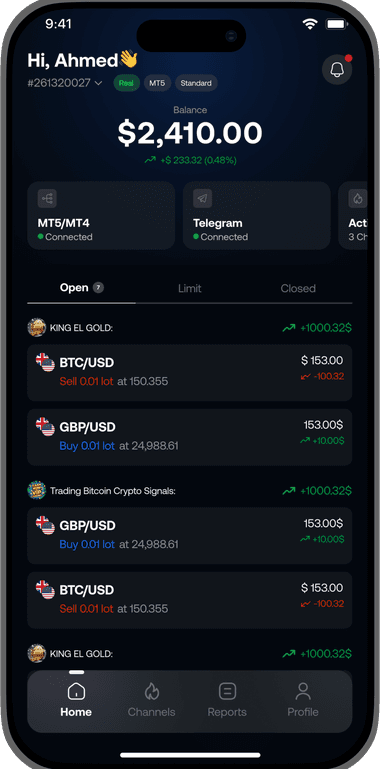
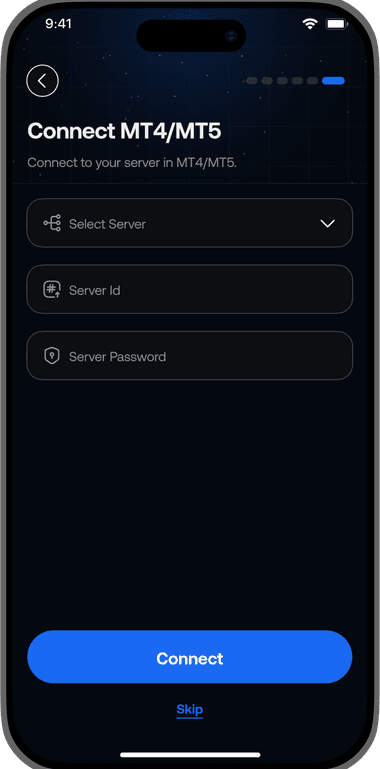
You configure the automation
Set channel-level rules and select the primary account for new entries. There is no manual approval prompt for each signal.
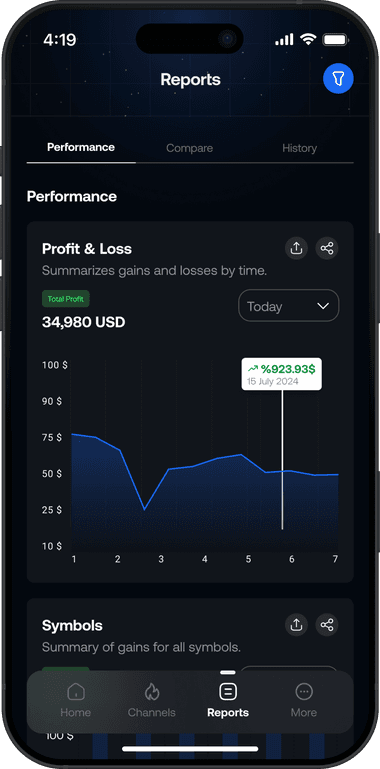
Your broker controls execution
Tragram reports the available processing and broker status. Order acceptance, fills, and existing positions remain with the broker.
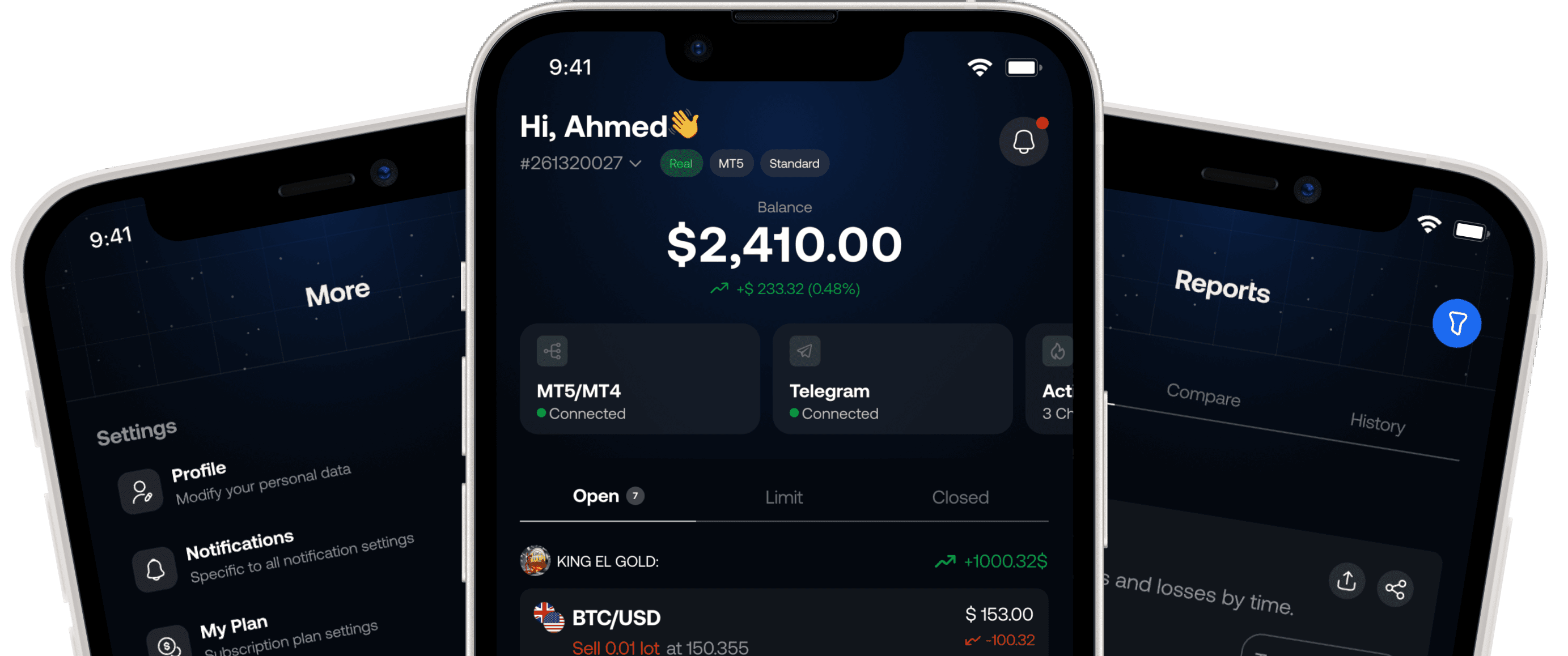
The product context
Telegram signals, MT4/MT5 execution























The workflow
From your setup to a broker-reported result
01
Choose your channels
Connect Telegram and select the channels you want Tragram to process.
02
Connect your trading account
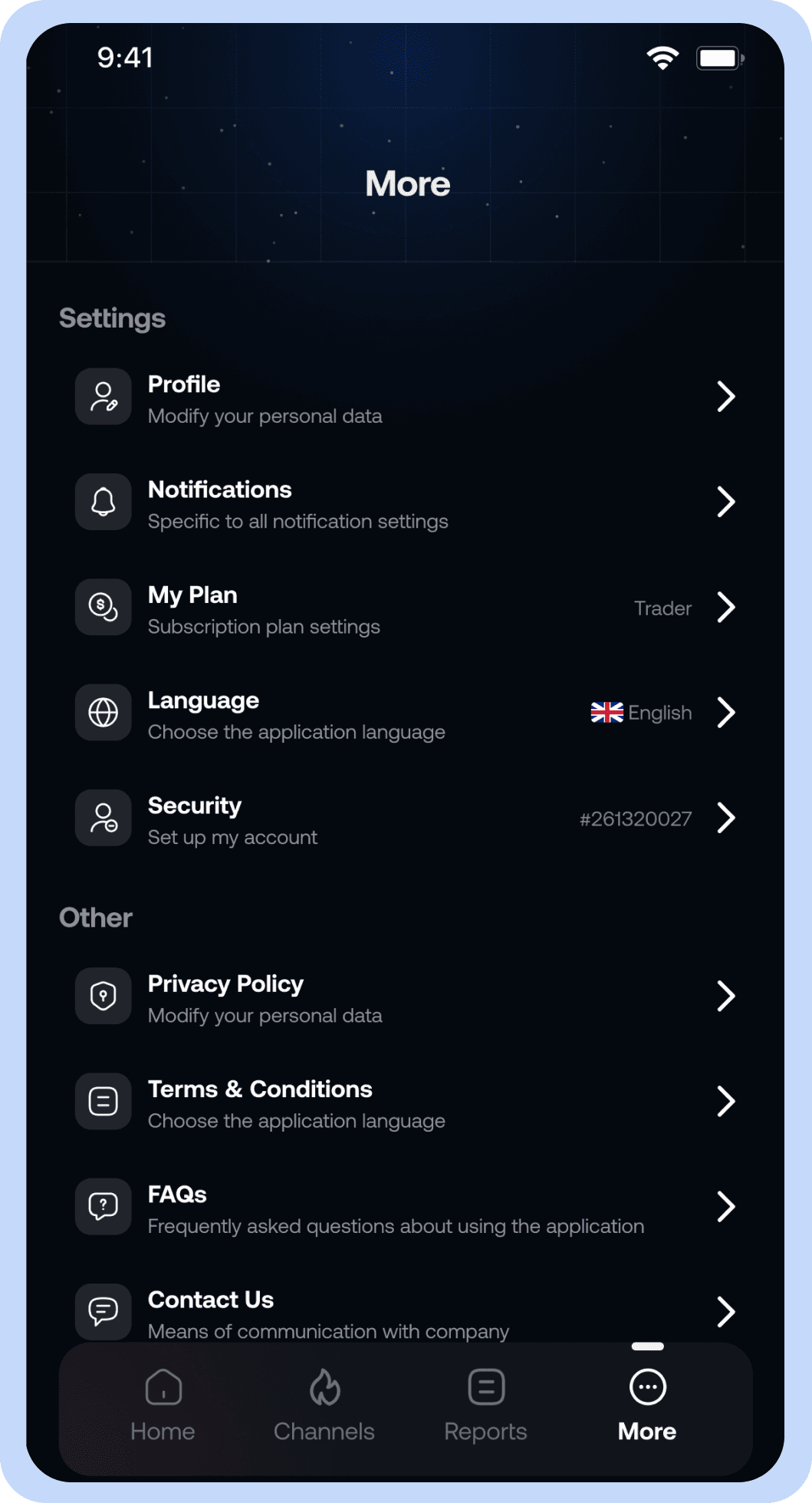
Link MT4/MT5 and select the primary account that should receive eligible new entries.
03
Configure channel rules
Set supported symbol, sizing, entry, and protection rules before enabling the workflow.
04
Monitor reported outcomes
Review signal and broker status in Tragram. A broker response determines acceptance and execution.
About Tragram
What Tragram does and where its role ends
Straight answers about the product, the setup, and who controls each part of the workflow.
User-configured signal routing software
Your broker determines order acceptance and execution.
No. You choose and connect the signal sources. Tragram processes supported messages according to your configured rules.
No. There is no per-signal manual approval step. New entries follow your channel settings and selected primary account.
Your broker controls acceptance and execution. Tragram can report the status it receives but cannot guarantee a fill.
You can pause or disable the relevant workflow. This affects future entries and does not close positions already held with your broker.
No. Tragram provides software for configured signal processing and execution; it does not give financial advice or promise results.
Eligible new entries are sent to the selected primary MT4/MT5 account. Tragram does not automatically send them to every linked account.