
Tragram Features

Connect selected Telegram channels
Choose channels you have access to. Tragram processes supported trade messages from the channels you select.

Select a primary MT4/MT5 account
Eligible new entries target the selected primary account. Linked accounts do not all receive a copy by default.

Set rules for each channel
Configure supported execution behavior at channel level before enabling new entries. There is no approval prompt for each signal.

Configure sizing and entry limits
Set supported sizing and trade limits for your workflow. These controls do not cap all market or broker losses.

Filter broker symbols
Use symbol filters that match instruments available at your broker, including any broker-specific symbol names.

Pause future entries
Pause or disable routing to prevent future entries. This does not close or modify existing broker positions.

Monitor order status
See signal processing and broker-reported status in the workflow. A displayed status is not a guarantee of execution.

Review execution history
Inspect recorded signal and order outcomes to understand what Tragram processed and what the broker reported.
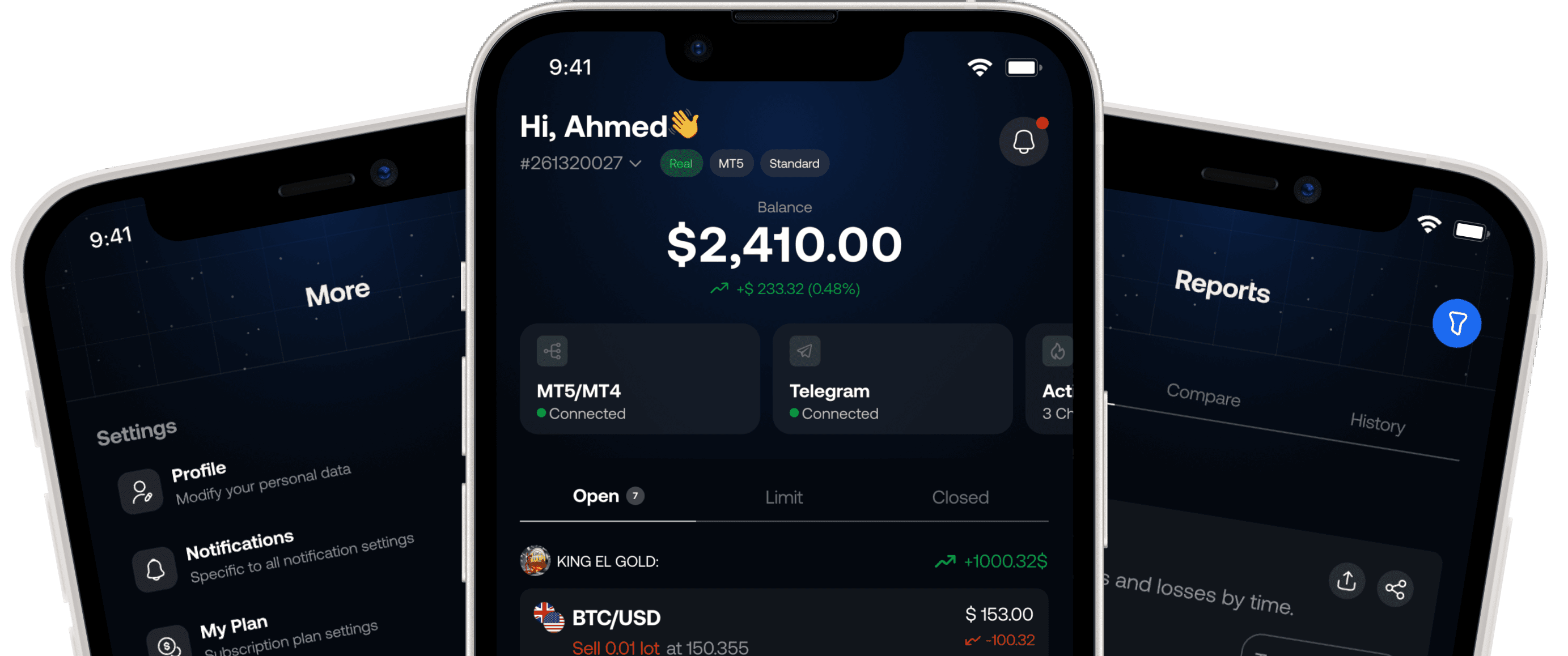
Feature areas
Controls across the signal workflow
Channel setup
Connect selected Telegram channels, choose a primary account, and prepare each channel’s settings.
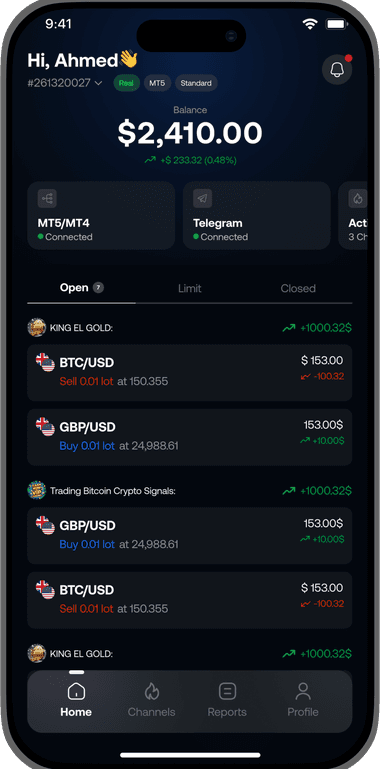
Execution controls
Use supported symbol, sizing, entry, and protection rules before eligible messages are routed.
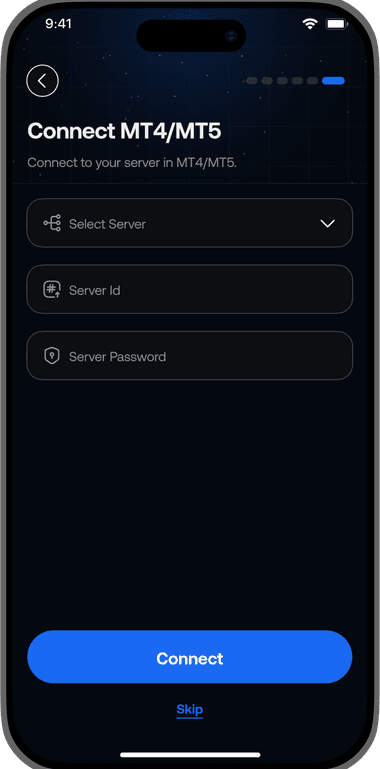
Visibility and intervention
Review recorded processing and broker status, then pause future entries when your setup needs to change.
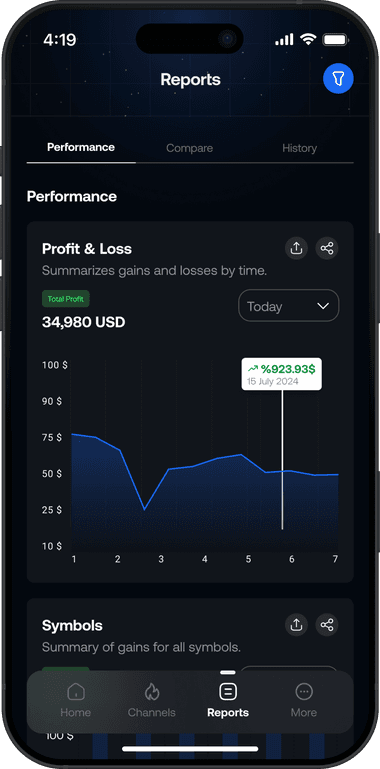
FAQs
Your signal trading questions, answered
Learn how copied trades work, how to set limits, and what happens when you pause a channel.
Choose your channels and set their trading rules before enabling new trades.
Pausing stops new trades. It does not close or change trades already open at your broker.
Tragram reads supported trade signals from the Telegram channels you choose and sends matching new trades to your selected primary MT4/MT5 account using your settings. Your broker decides whether the orders are accepted and filled.
No. Once you enable a channel, new trades follow its settings automatically and go to your selected primary account. Pausing new trades does not close trades already open at your broker.
Yes. Set allowed symbols, lot size, and supported trade limits for each channel before enabling new trades.
Pause the channel from your dashboard to stop new trades. This does not close or change trades already open at your broker.
No. Tragram helps you copy signals from the channels you choose. It does not sell signals or provide trading advice.
Yes. Tragram supports MT4 and MT5. New trades go to the selected primary account. Available settings and limits depend on your account and plan.